





Blaze 16 Pro Gaming Laptop – 2.5K 300Hz Display RTX5090
PRECISION. POWER. PRESENCE.
16 Pro
Gaming Laptop
Ultra 9 275HX / RTX 5090 / 2.5K 300Hz

The essentials
A complete performance setup.
Explore the hardware, cooling and controls behind the 16 Pro configuration.
24 cores and 24 threads for games, streaming and demanding applications.
Laptop GPU with 24GB GDDR7 graphics memory.
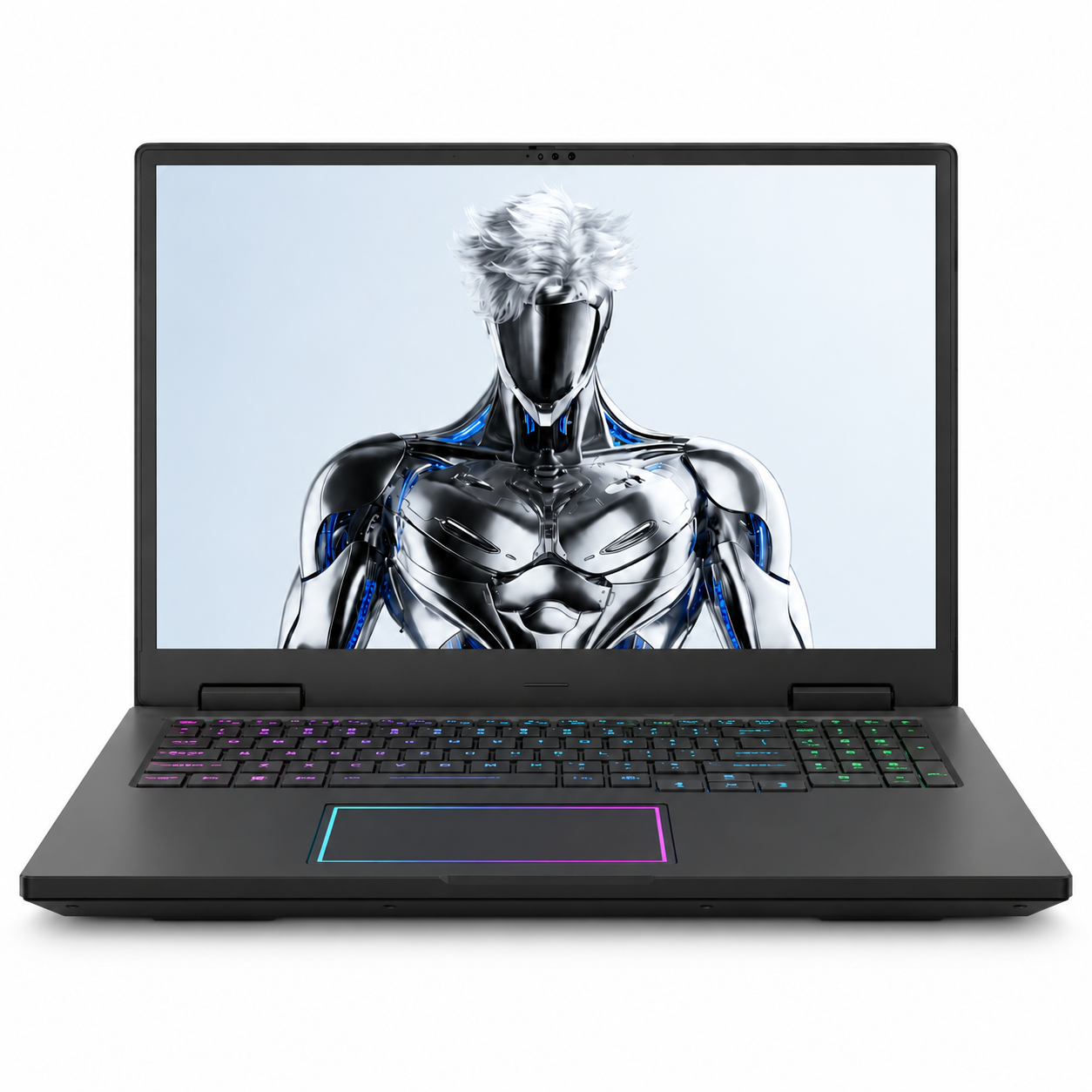
A 16-inch, 16:10 panel with 2560 × 1600 resolution.
A vapor chamber and six heat pipes distribute and exhaust heat.
Dual memory modules and dual M.2 storage slots.
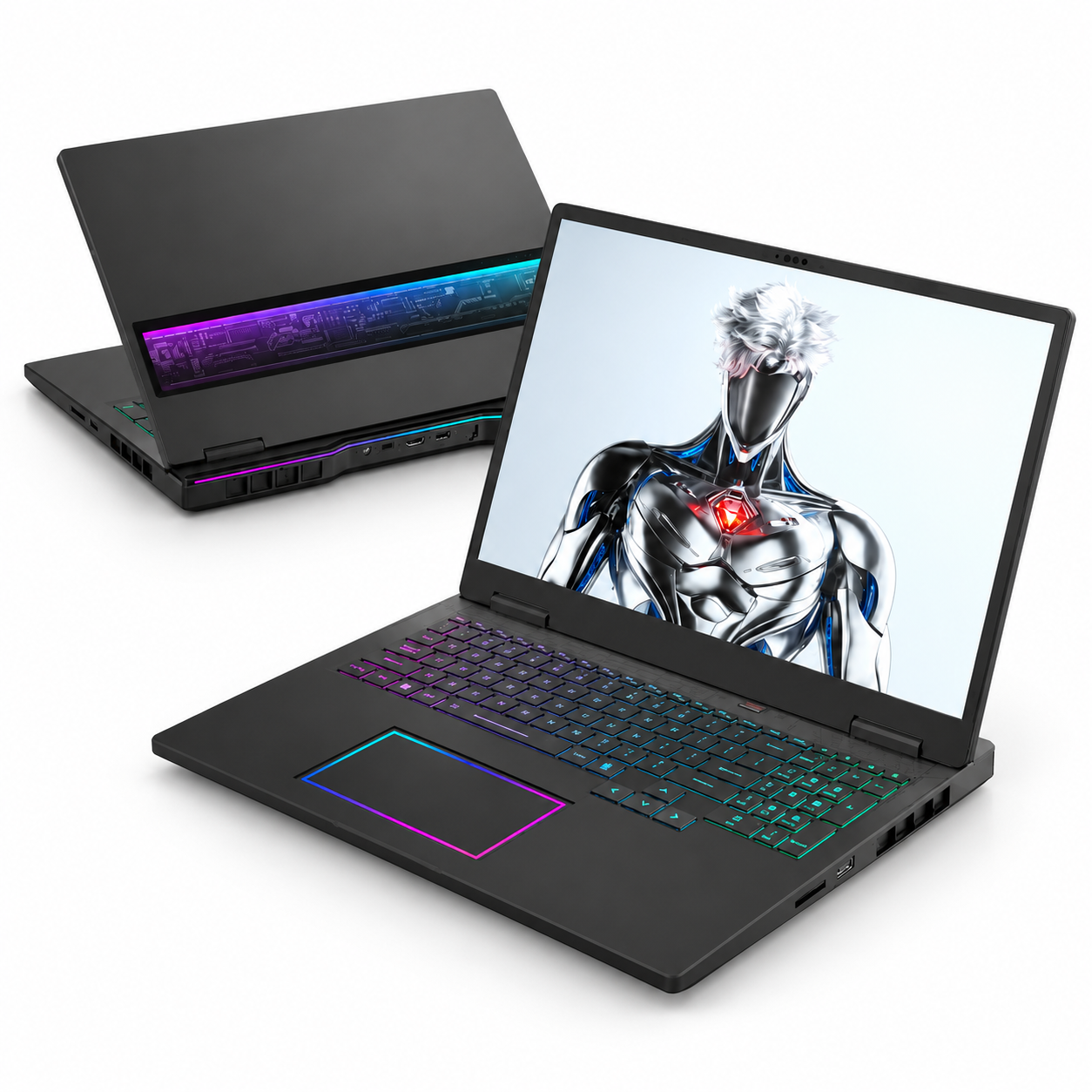
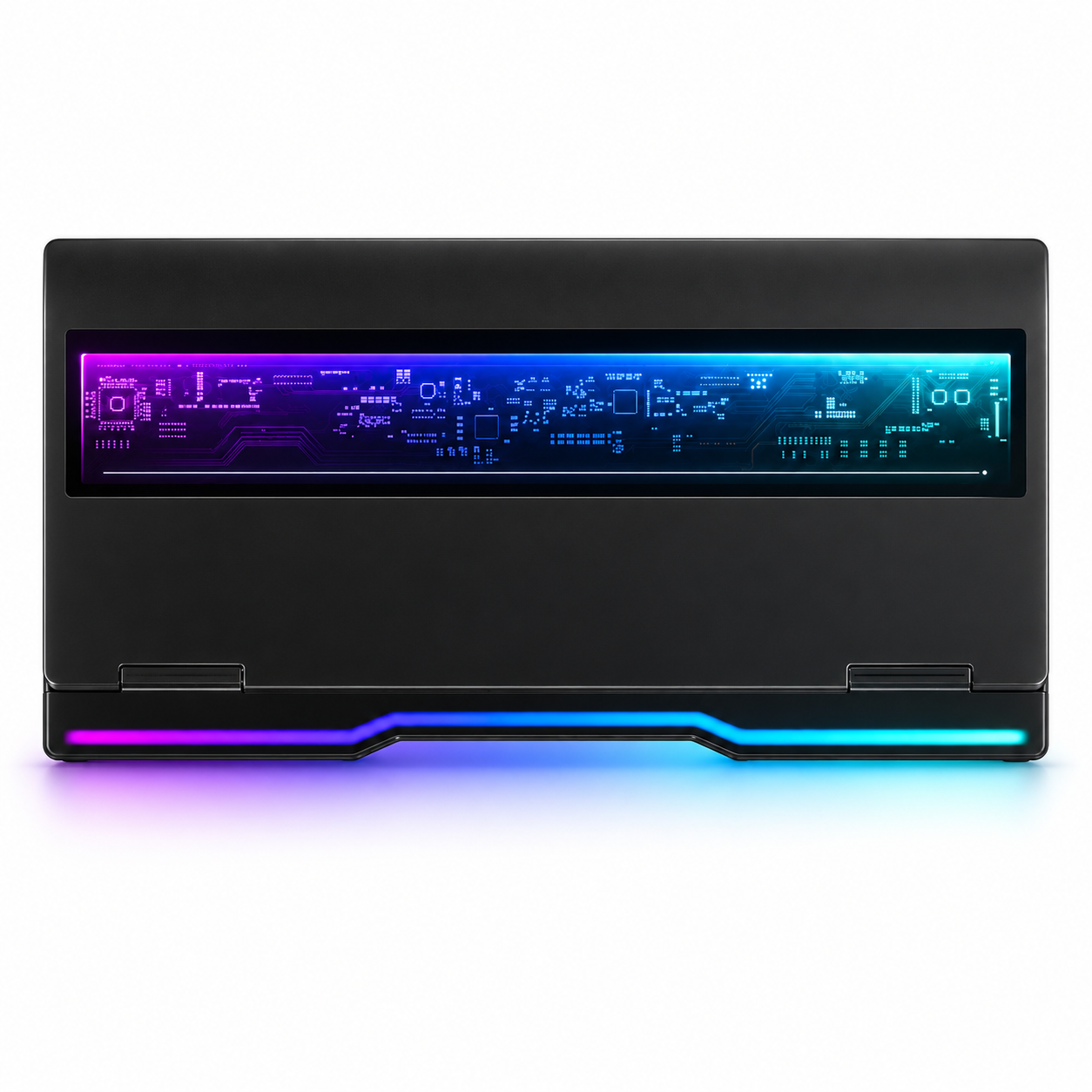
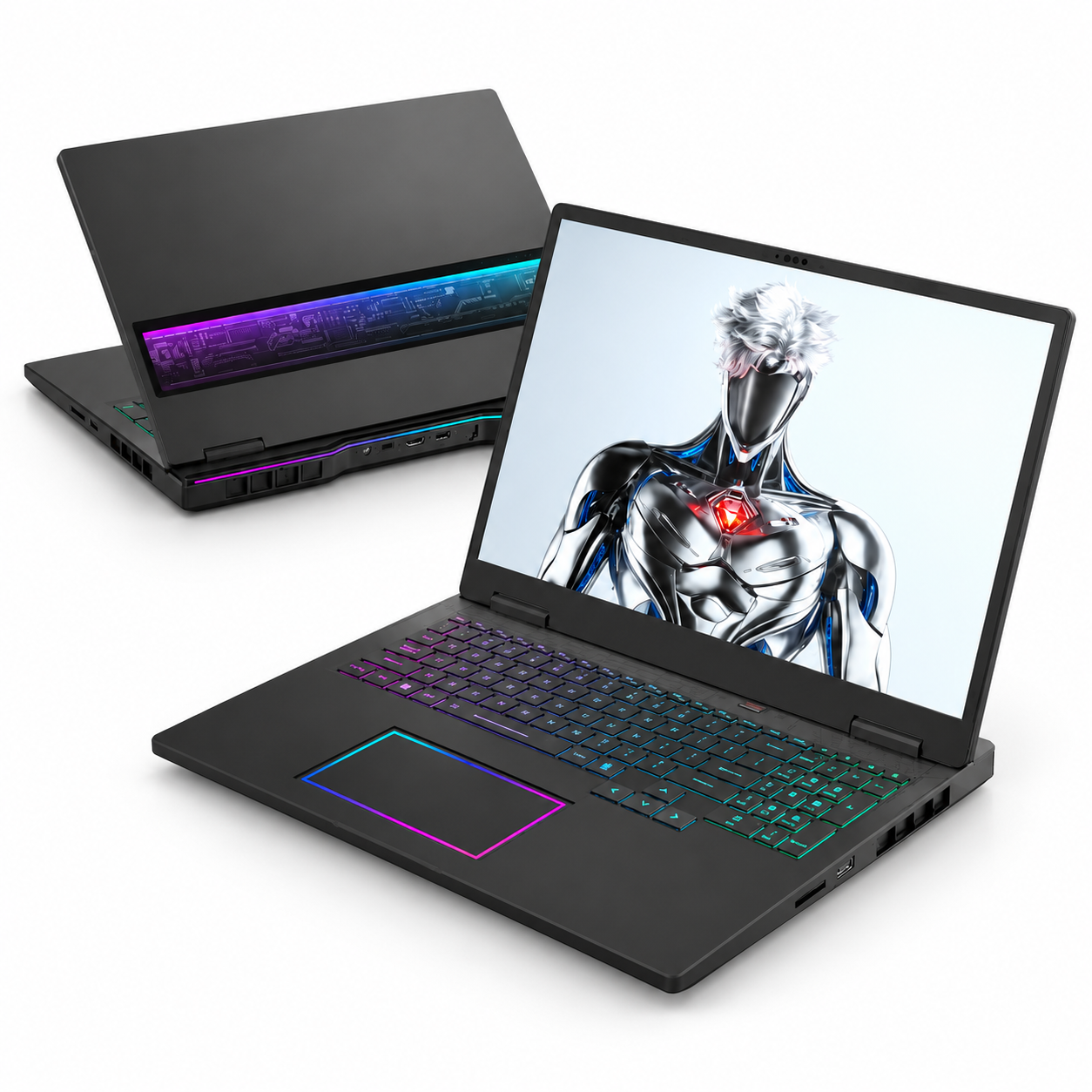
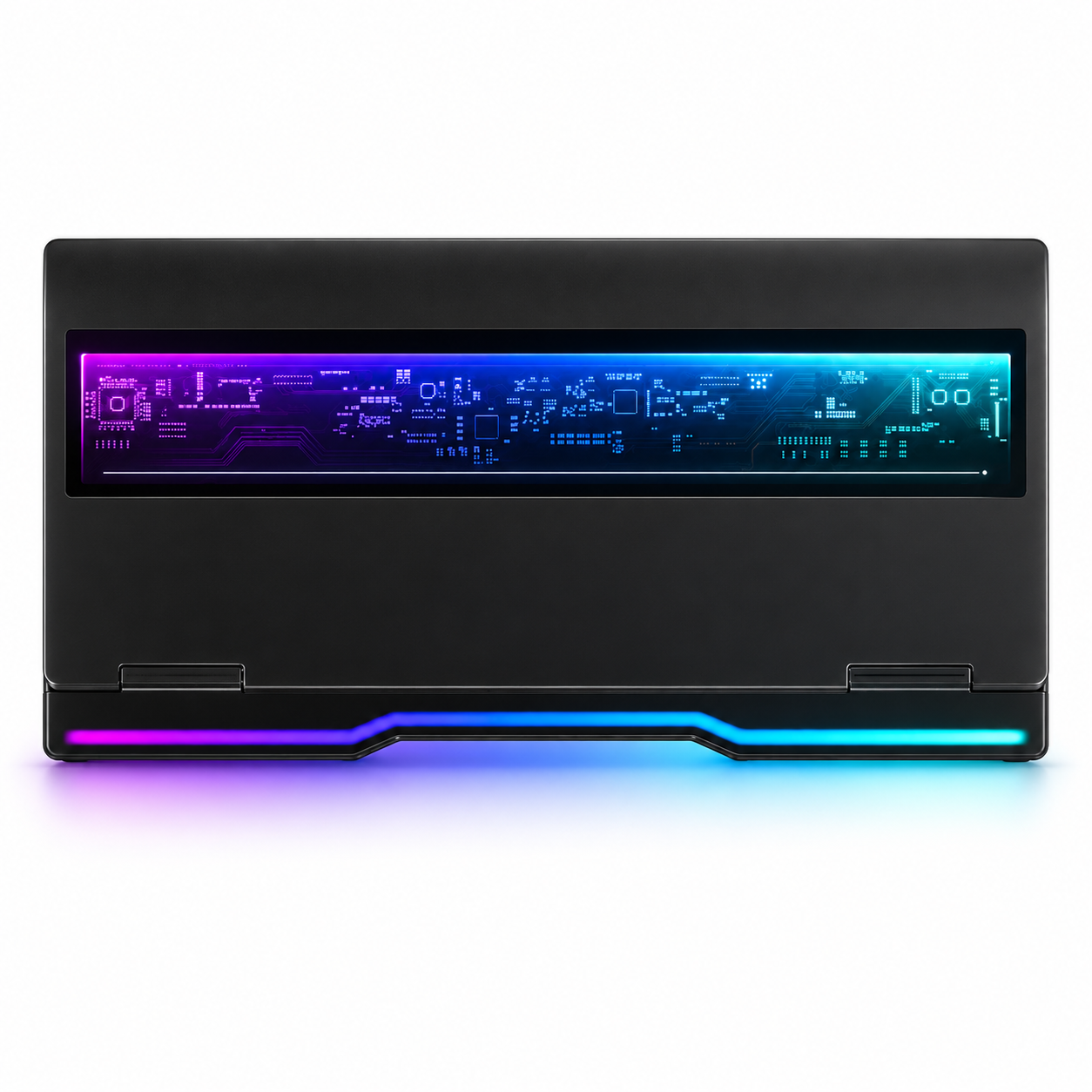
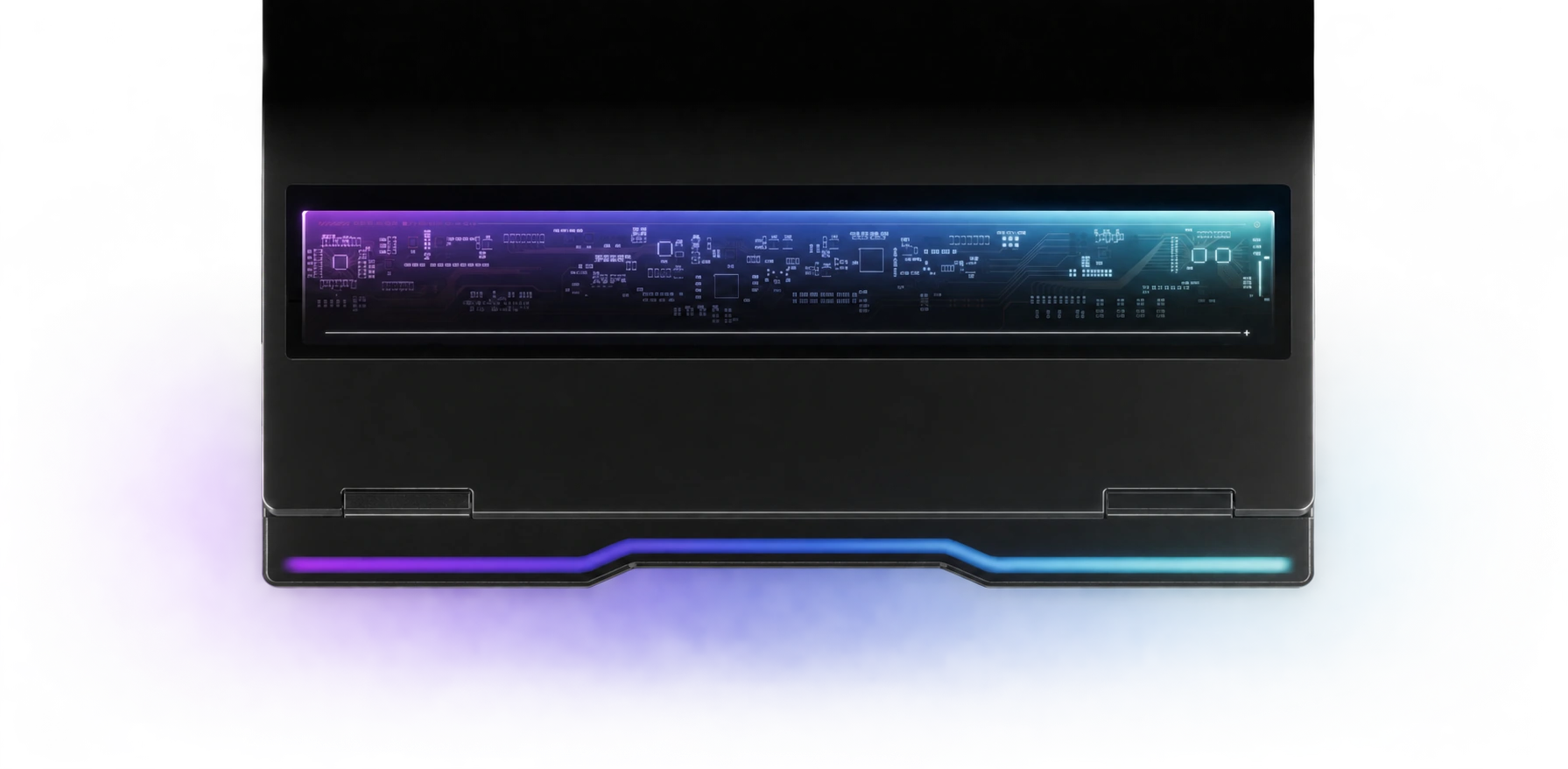
Visible circuit detailing, a lighted touchpad and a rear RGB strip.
01 / Design
Glass detail.
Distinctive from every angle.
A tempered aluminosilicate glass lid brings circuit-inspired detailing to a dark, angular chassis. The semi-transparent design and coloured light accents give the setup a futuristic feel.

02 / Processor
More headroom for demanding work.
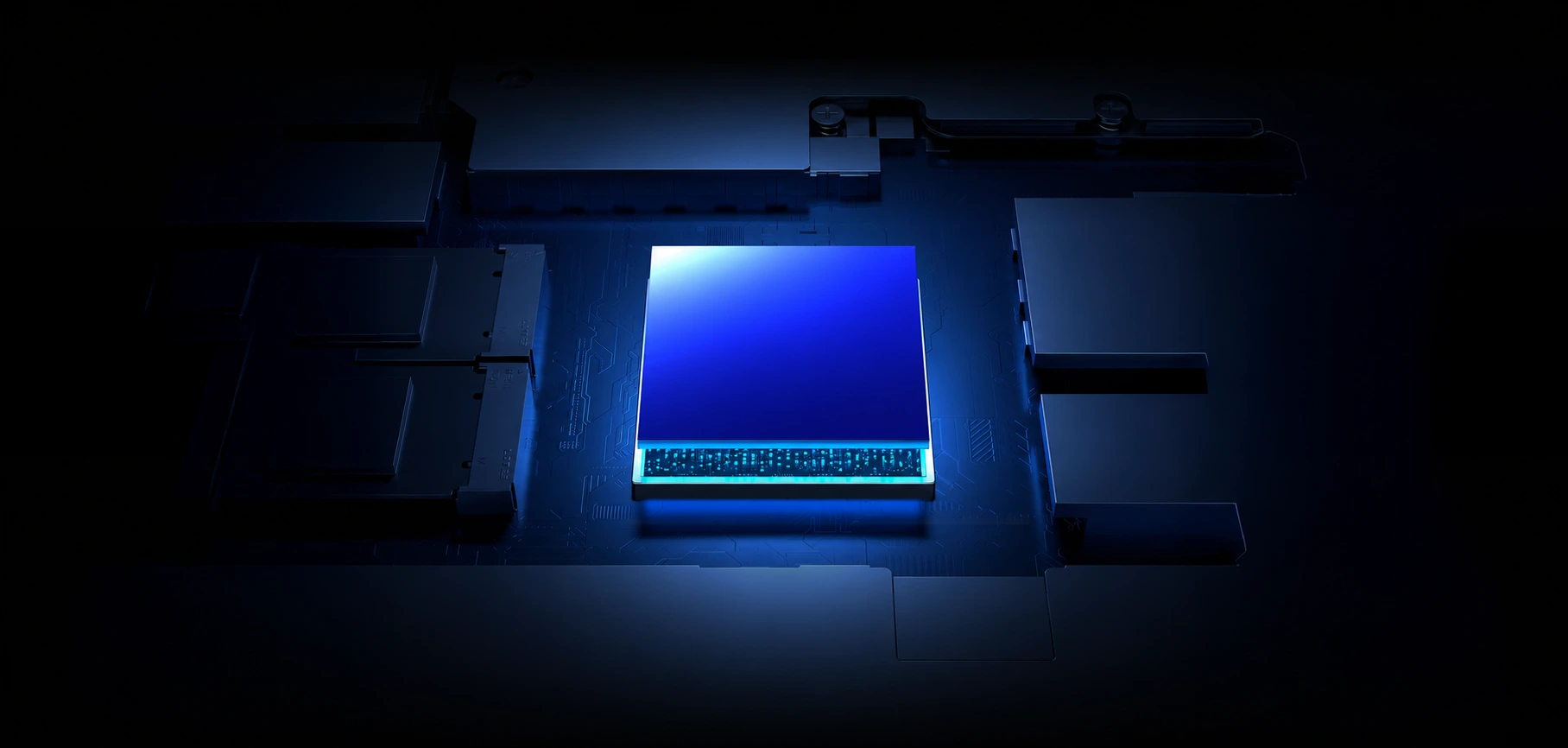
The Ultra 9 275HX combines performance and efficiency cores for gaming, multitasking and production workloads. Turbo behaviour depends on temperature, power mode and the task.
03 / Graphics
Detail at speed.
The RTX 5090 Laptop GPU pairs 24GB GDDR7 with ray tracing and AI-assisted rendering features. Frame generation and upscaling require compatible games and settings.
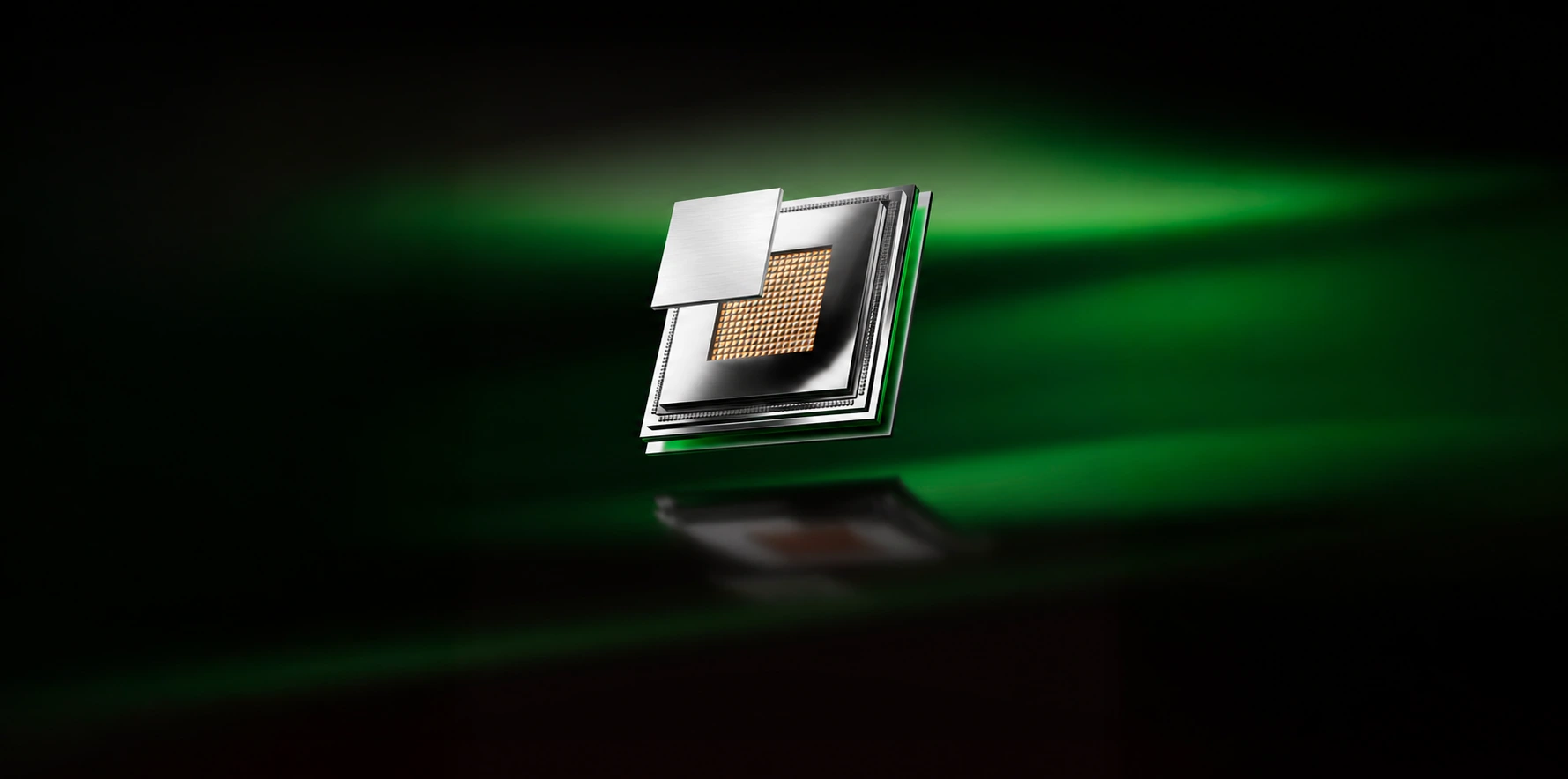
Maximum GPU power is configuration and mode dependent. It is not a constant power draw or a frame-rate guarantee.
Graphics switching
Choose the graphics path for your task.
Use dedicated graphics for demanding games, a hybrid path for everyday tasks or integrated graphics when you want to reduce power use.
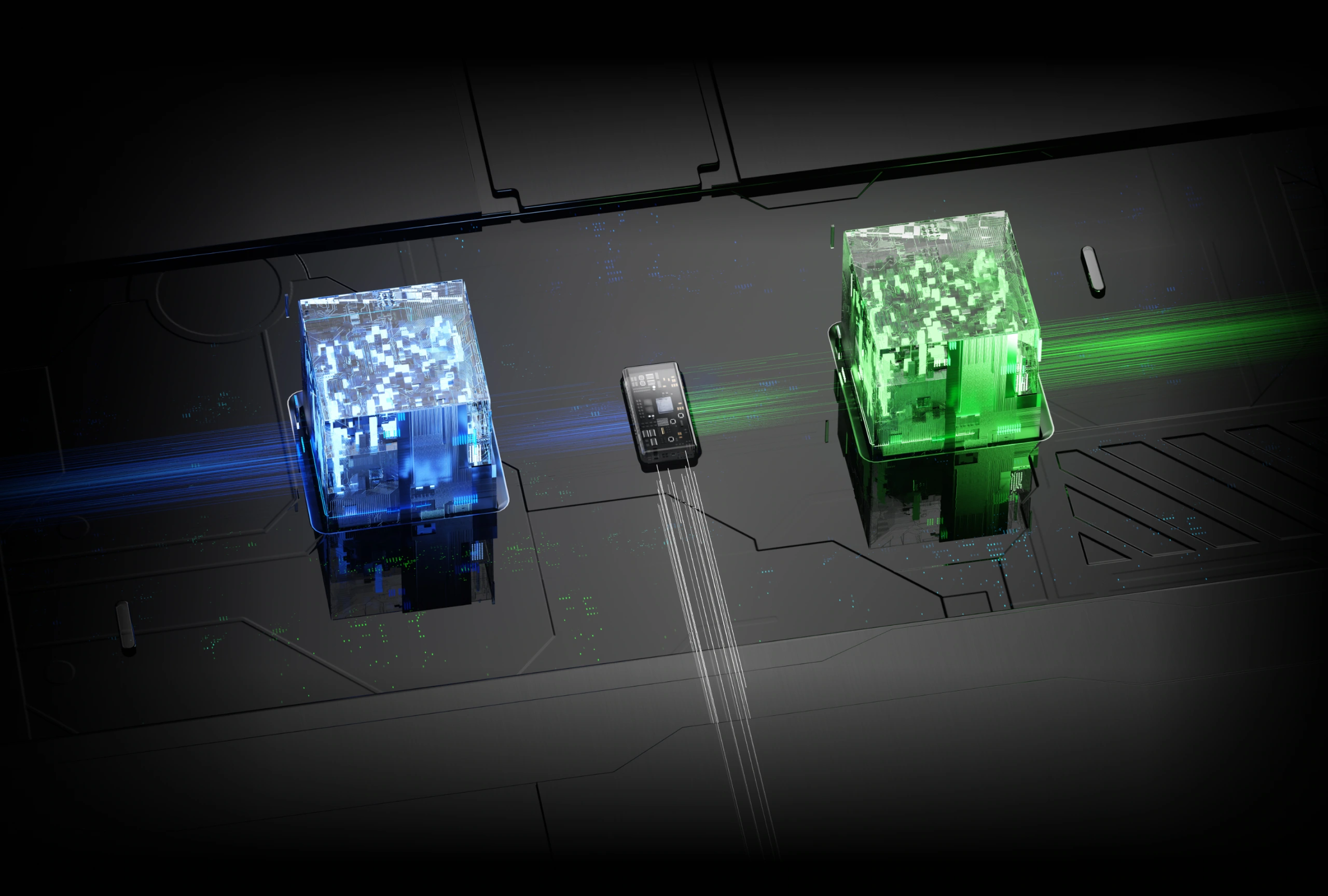
Dedicated graphics
Prioritise the discrete GPU for compatible gaming and rendering workloads.
Hybrid and integrated modes
Balance graphics use around your task. Switching behaviour depends on the mode and software.
04 / Cooling
Make room for airflow.
A large vapor chamber, six heat pipes and three fans move heat away from the core components. The illustrated airflow paths show the intended cooling layout.
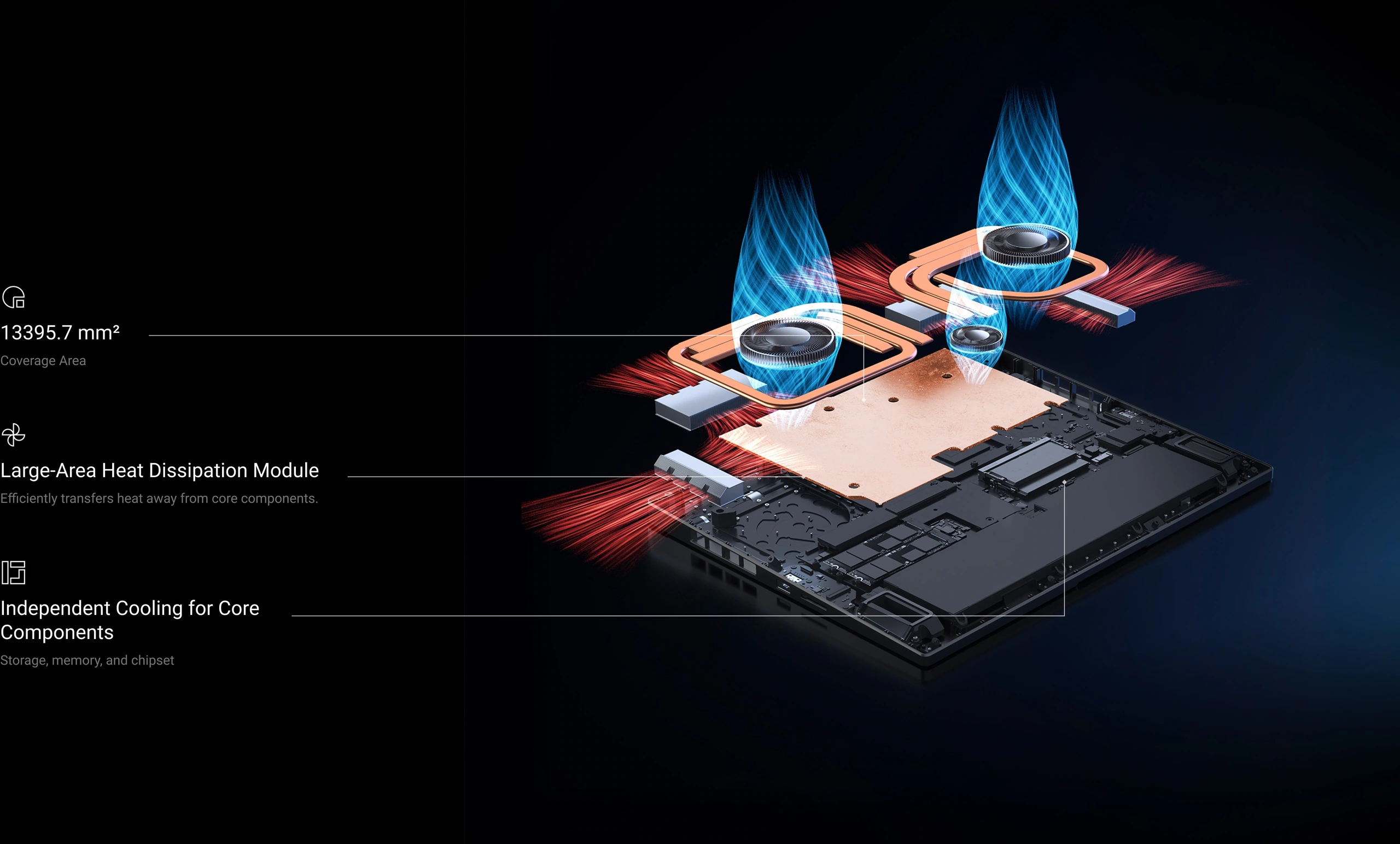
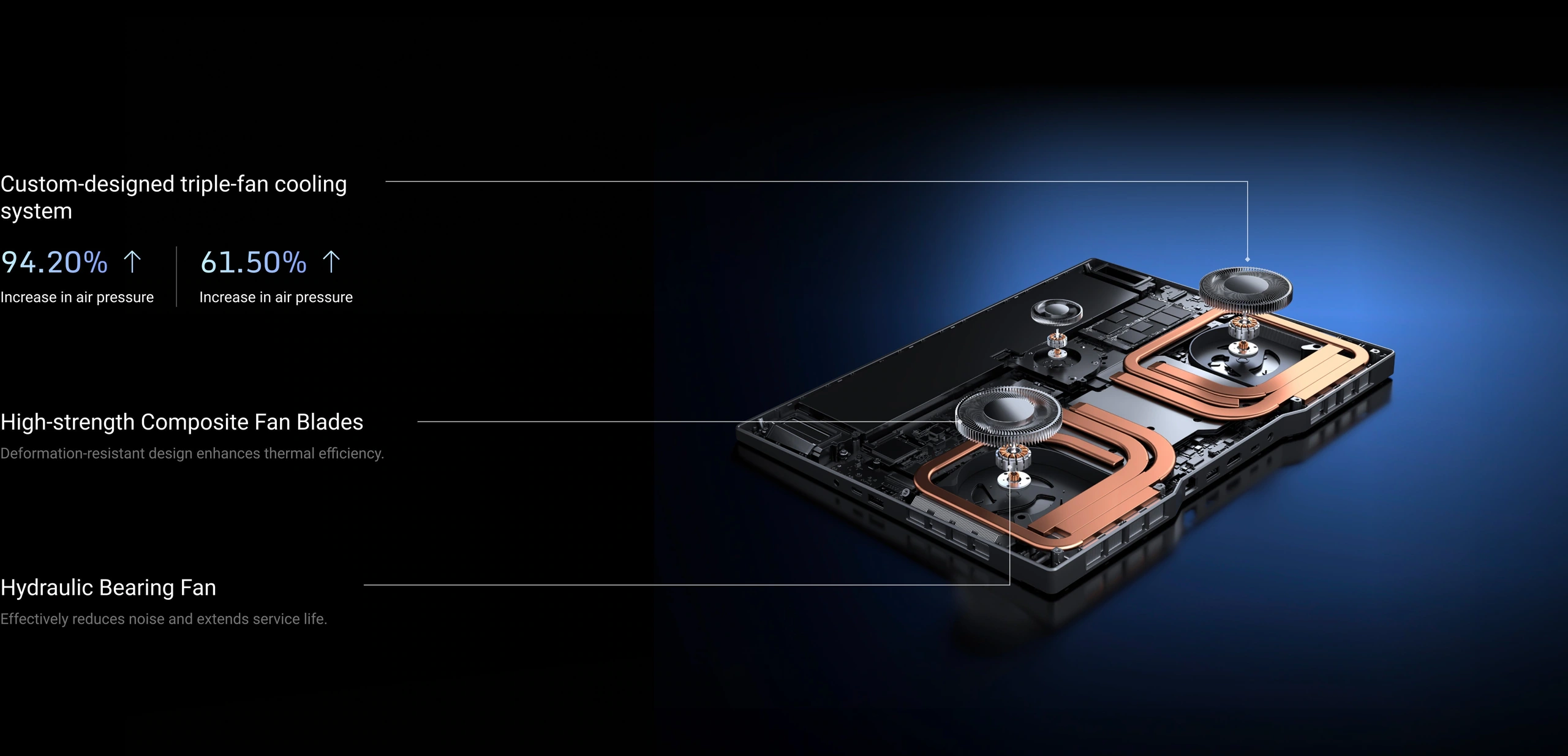
Exploded views are illustrations. Comparative percentages printed in the original fan diagram are manufacturer laboratory figures; results depend on the baseline, test conditions and operating mode.
05 / Display
Every frame.
More clearly defined.
A 16-inch display pairs a 16:10 workspace with a high refresh rate for supported content and games. Choose a resolution and graphics profile that suit your task.
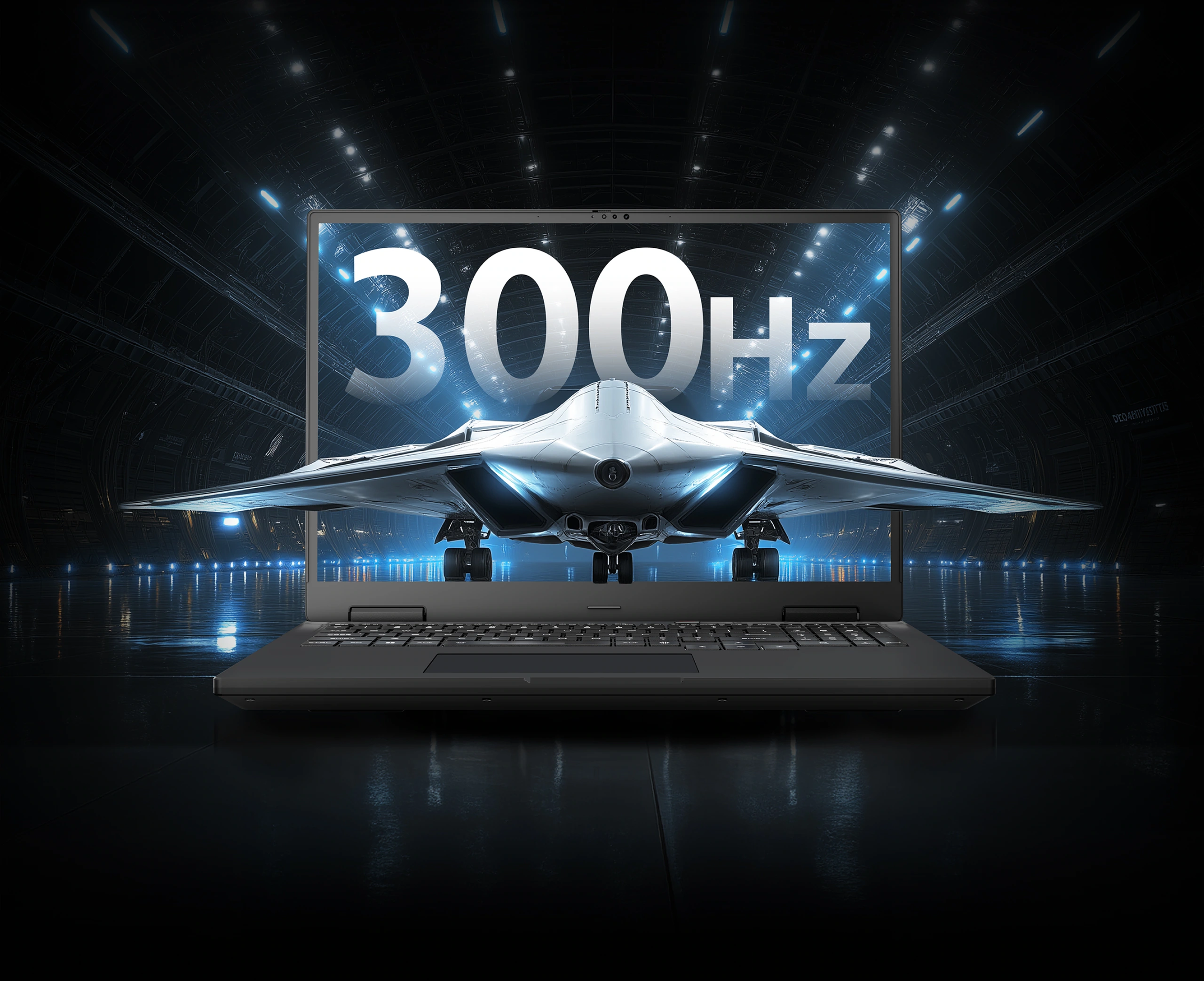
The source also lists a 4ms panel response time and DC dimming. Refresh rate is a panel specification; it does not mean every game runs at 300 frames per second.
06 / Controls
Full-size control.
Colour your setup.
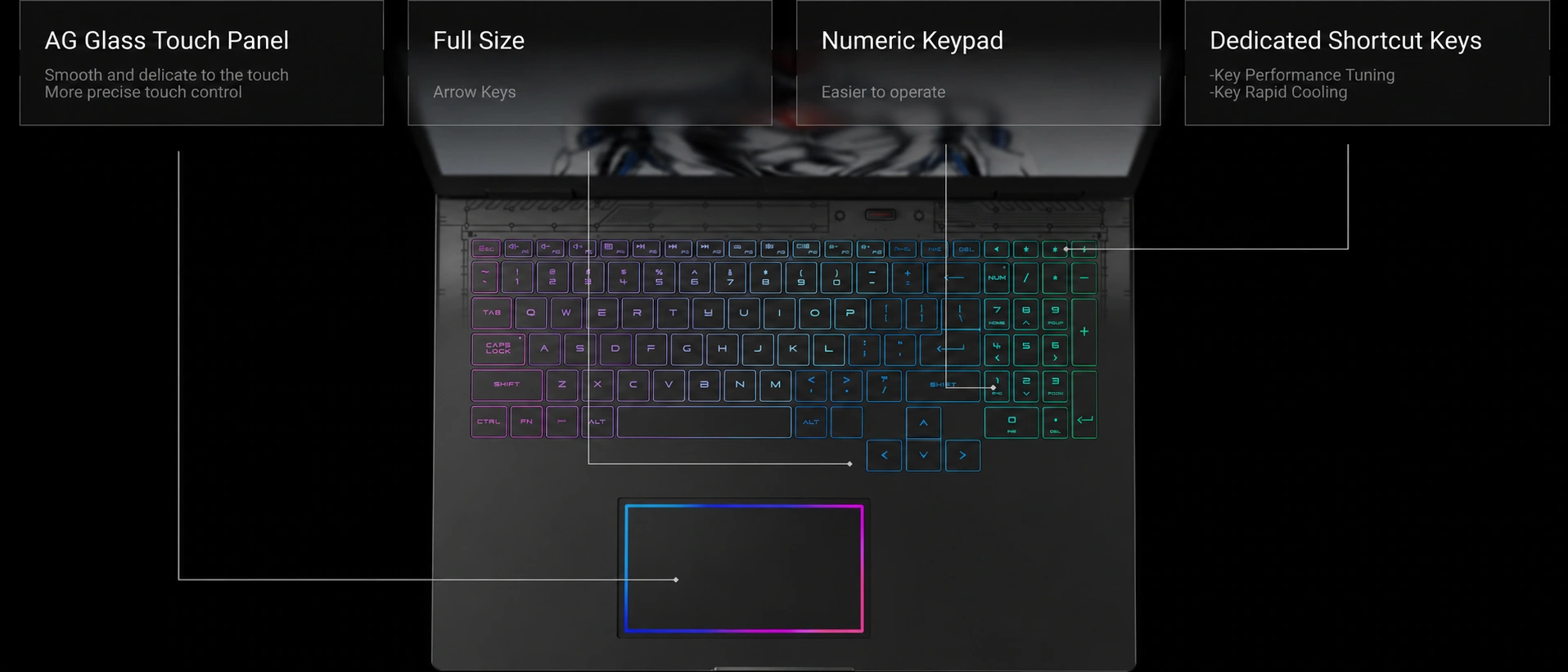
A full-size keyboard includes a numeric keypad, dedicated shortcuts and RGB lighting. The glass touchpad adds a smooth input surface and a coloured perimeter light.
Privacy and video calls
A camera with physical privacy control.
The FHD + infrared camera supports video calls and compatible face sign-in features. A physical privacy cover gives you direct control over camera visibility.

07 / Battery
Capacity for the day between sessions.
A 99Wh battery supports use away from a fixed setup, with support for 100W PD charging. For full gaming performance, use the appropriate supplied high-power adapter.
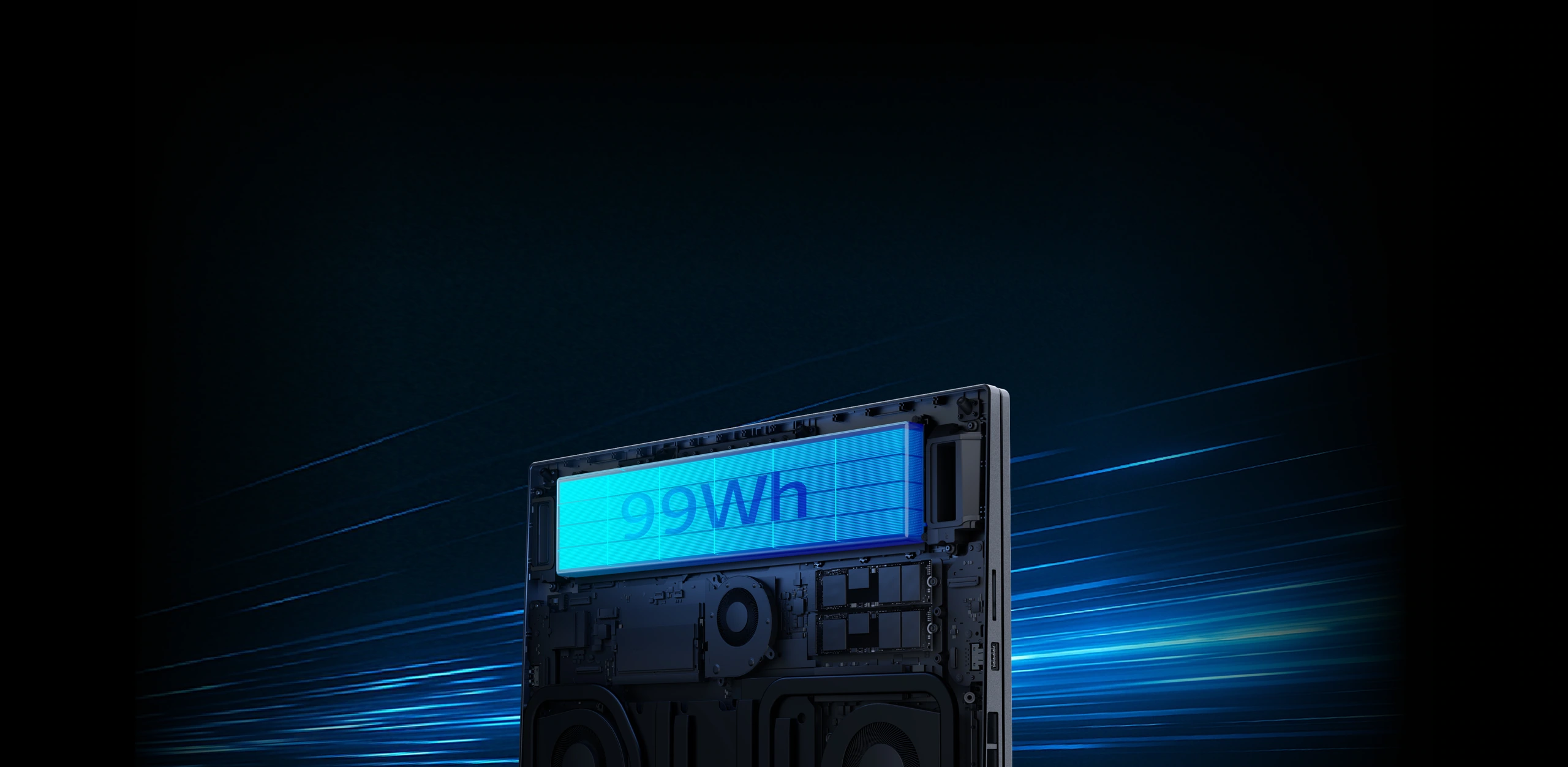
PD charging support does not guarantee full gaming performance from a 100W charger. Charger inclusion, charging speed and runtime depend on the supplied configuration and conditions.
Audio
A wider soundstage for your setup.
Four built-in speakers support games, video and everyday listening. The audio waves are a visual illustration of the speaker layout.

08 / Memory and storage
Space for bigger projects.
The selected configuration pairs 64GB DDR5-6400 with 2TB of PCIe 4.0 SSD storage. Two memory slots and two M.2 2280 slots provide a flexible hardware layout.
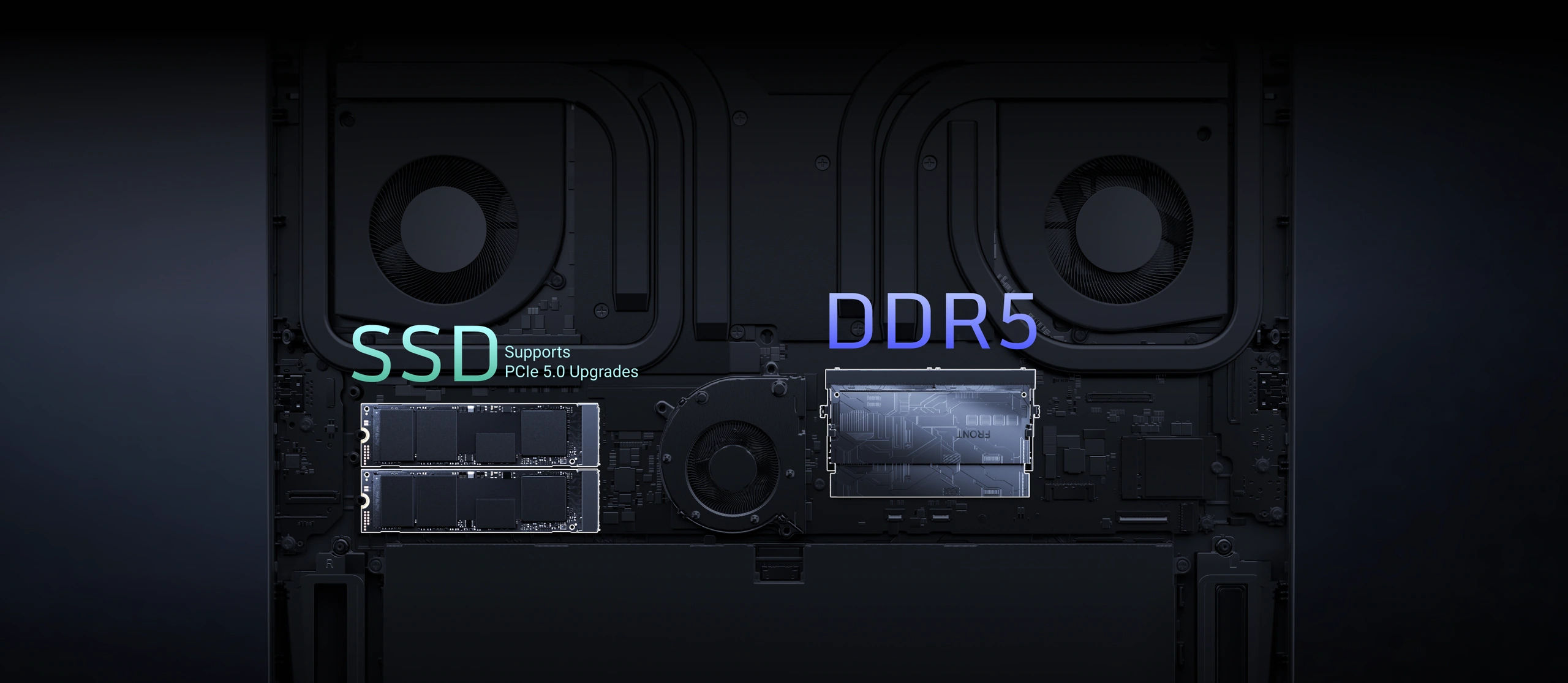
Upgrades require compatible parts and servicing. Usable storage is lower after formatting and system files.
Connectivity
A wired path.
A wireless option.
Connect through a 2.5Gbps wired network port, or use Wi-Fi 7 with a compatible router and network.

Network rates are interface specifications. Actual internet speed depends on your router, cabling, service provider and local wireless conditions.
Your desk, connected
Room for the rest of your setup.
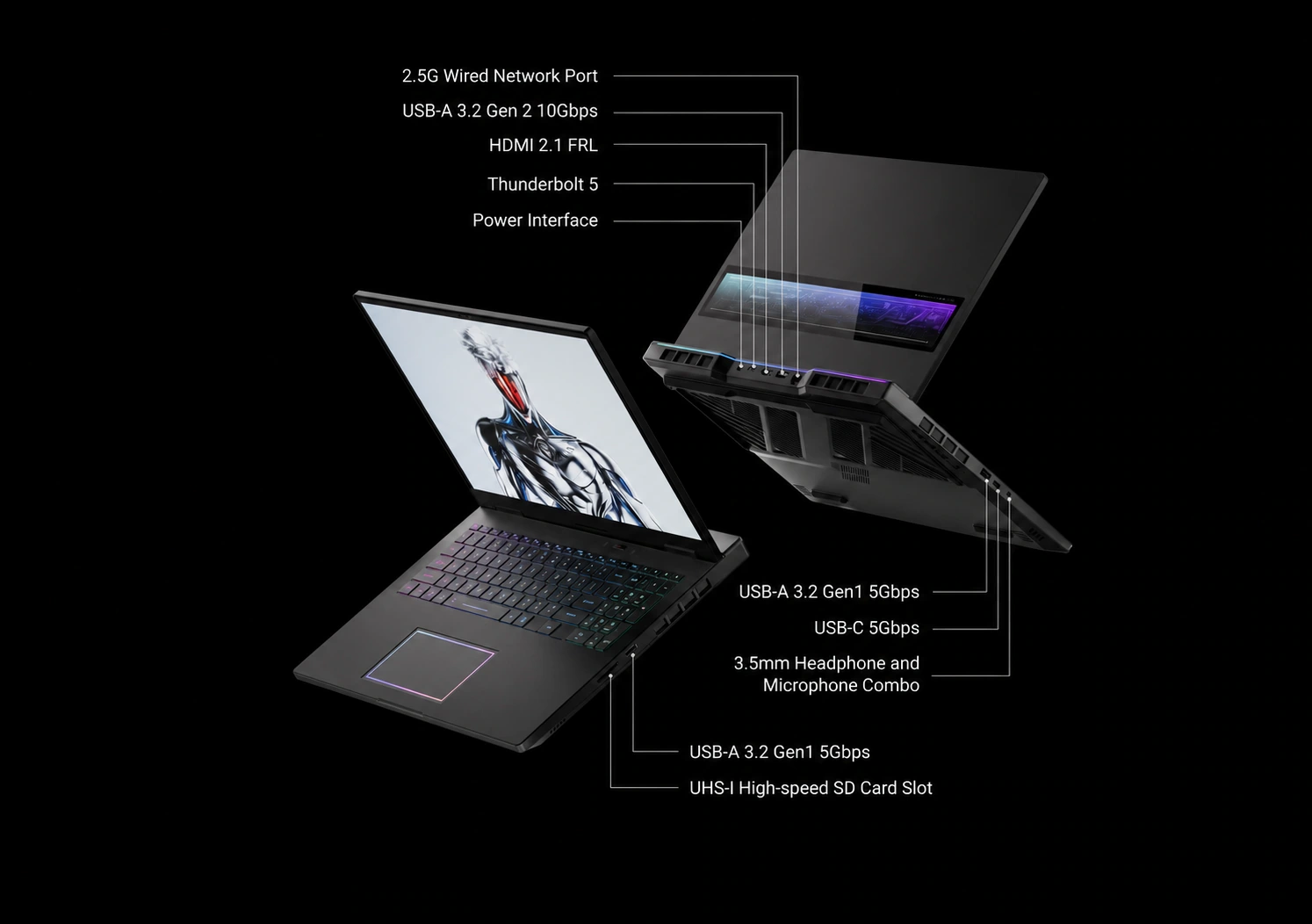
The illustrated connector layout brings together power, external displays, storage, networking and audio connections.
09 / Experience
Tune the system around your session.
Use the supplied control utility to manage supported performance modes, monitor hardware and adjust lighting. Functions depend on the installed software version.
Performance profiles
Select an available profile for the task and power source.
Hardware monitoring
View supported hardware readings in one place.
Lighting controls
Adjust available keyboard, touchpad and rear lighting effects.
Game organisation
Keep compatible game shortcuts together in the supplied utility.
Configuration reference
The details at a glance.
These specifications describe the RTX 5090 configuration presented here. Check the selected variant and actual supplied hardware before purchase.
| Configuration | 16 Pro / RTX 5090 configuration |
|---|---|
| Processor | Ultra 9 275HX · 24 cores / 24 threads · up to 5.4GHz |
| Graphics | RTX 5090 Laptop GPU · 24GB GDDR7 |
| Memory | 64GB DDR5-6400 · 2 × 32GB |
| Storage | 2TB PCIe 4.0 SSD · 2 × 1TB |
| Storage expansion | Dual M.2 2280 slots; PCIe 5.0 supported by slot 2 only |
| Display | 16-inch · 2560 × 1600 · 16:10 · up to 300Hz |
| Panel figures | 500 nits typical · 100% DCI-P3 typical · 4ms listed response |
| Cooling | Vapor chamber · 6 heat pipes · 3 fans |
| Battery / PD input | 99Wh · supports 100W PD charging |
| Camera | FHD + infrared · physical privacy cover |
| Audio | Four built-in speakers |
| Networking | 2.5Gbps Ethernet · Wi-Fi 7 |
| Connections shown | Thunderbolt 5, HDMI 2.1 FRL, USB-A, USB-C, UHS-I SD card slot, 3.5mm combo audio, power input |
| Controls | Full-size RGB keyboard · numeric keypad · glass touchpad |
Before you choose
A few practical details.
Which GPU configuration is described?
The RTX 5090 Laptop GPU configuration with 24GB GDDR7. The source page also mentions other GPU variants; their specifications should not be assumed to match this page.
Does the 300Hz panel guarantee 300 FPS?
No. Actual frame rate depends on the game, resolution, graphics settings, power profile and operating conditions.
Is a 100W PD charger sufficient for maximum gaming output?
PD support is useful for compatible charging situations. Use the correct supplied high-power adapter for the intended full-performance mode.
What should I confirm before ordering?
Confirm the exact GPU, installed memory and SSD arrangement, keyboard layout, operating system, charger and plug type, included accessories, and this store’s delivery, return and warranty terms.
BUILD YOUR NEXT SETUP
Power for the session ahead.
Check your selected configuration, current price and delivery details in the product options above.